Support
A machine is a relationship, not a shipment. This page is what happens after the crate is open: installation, training, spare parts, and the datasheets your team will need.
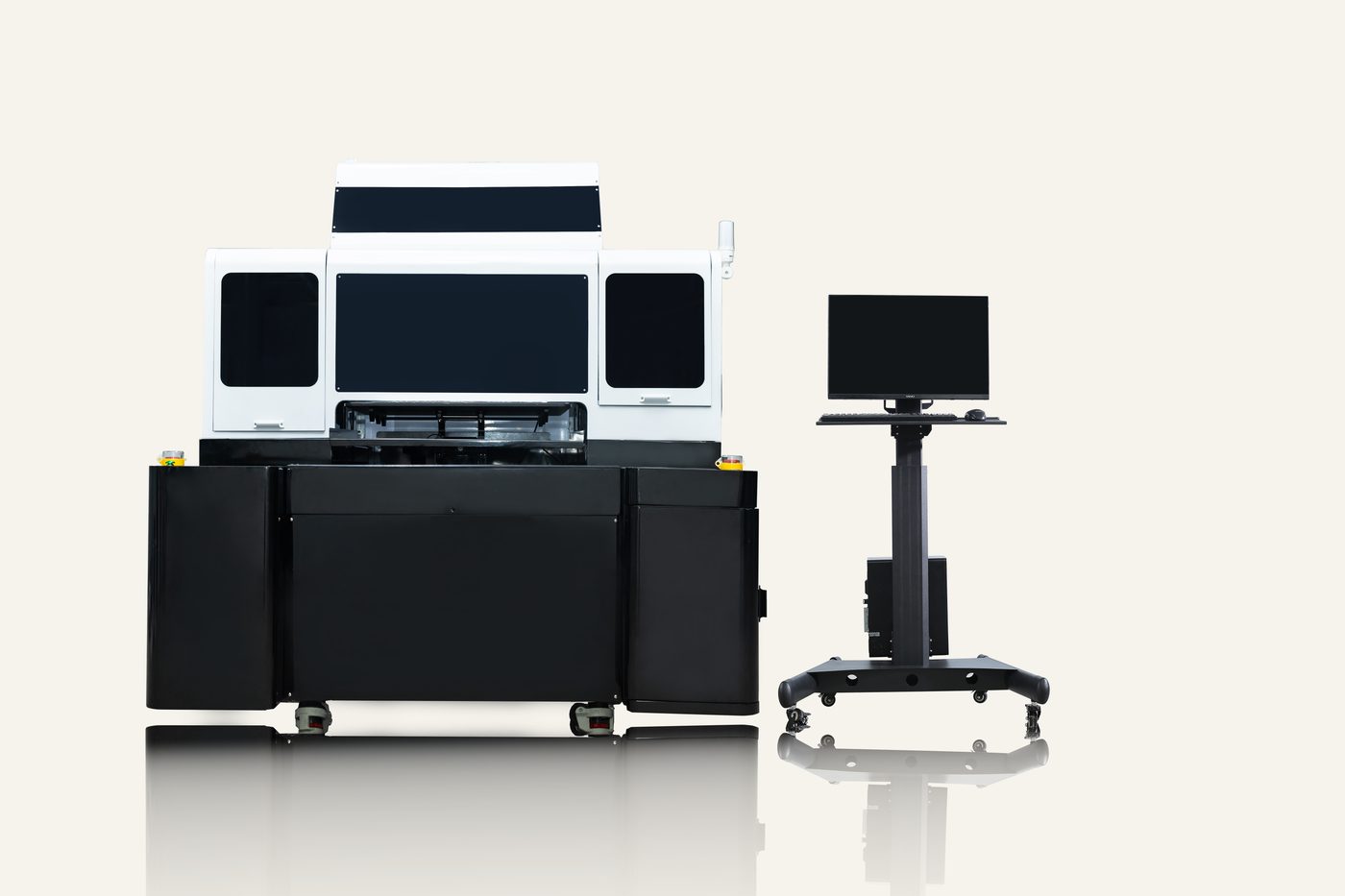
After the machine arrives
Installation
Level the frame, set the platform height, prime the white circuit and run the first test print. Either our engineer walks your technician through it remotely, or we quote an on-site visit before the order is signed.
Training
Two to three days at the assembly partner in Foshan for distributor technicians, or two remote sessions for an end user: RIP basics, colour profiles, daily maintenance and the three faults that cause most bad prints.
Remote diagnostics
Send the serial number, a nozzle check and a photo of the defect. Most failures are a clogged head, a bad capping station or a mistimed print. All three are visible in those images.
Warranty and spare parts
Terms above are the standard set. Anything different in your market (longer warranty, local stock, an in-country technician) is written into the distribution agreement.
Datasheets
Open a datasheet and use “Print or save as PDF” to get a file you can forward to a technical team.
Datasheet · 4 heads
MFI-600
600 × 600 mm, 3.5 pl, 6 mm relief, 50–103 pcs/hour, full specification.
Datasheet · 2 heads
DTG4050-Aio
400 × 500 mm, on-demand pretreatment, 40–100 °C drying base.
Datasheet · consumables
Inks and consumables
MFI and Aio inks, pretreatment, post-treatment, cleaning, crosslinker.
Service questions
Something is printing wrong
Send the model, the serial number, a nozzle check and a photo of the defect. Most problems are diagnosed the same day.